 Nyamly
Calculator
Nyamly
Calculator
Calorie tracker for iPhone: know what you eat. Including what nobody wrote down.
Nyamly scans a barcode and reads back the published nutrition data. Where a figure was never published, it says so, instead of writing a zero.


Scan a barcode. Read the report.
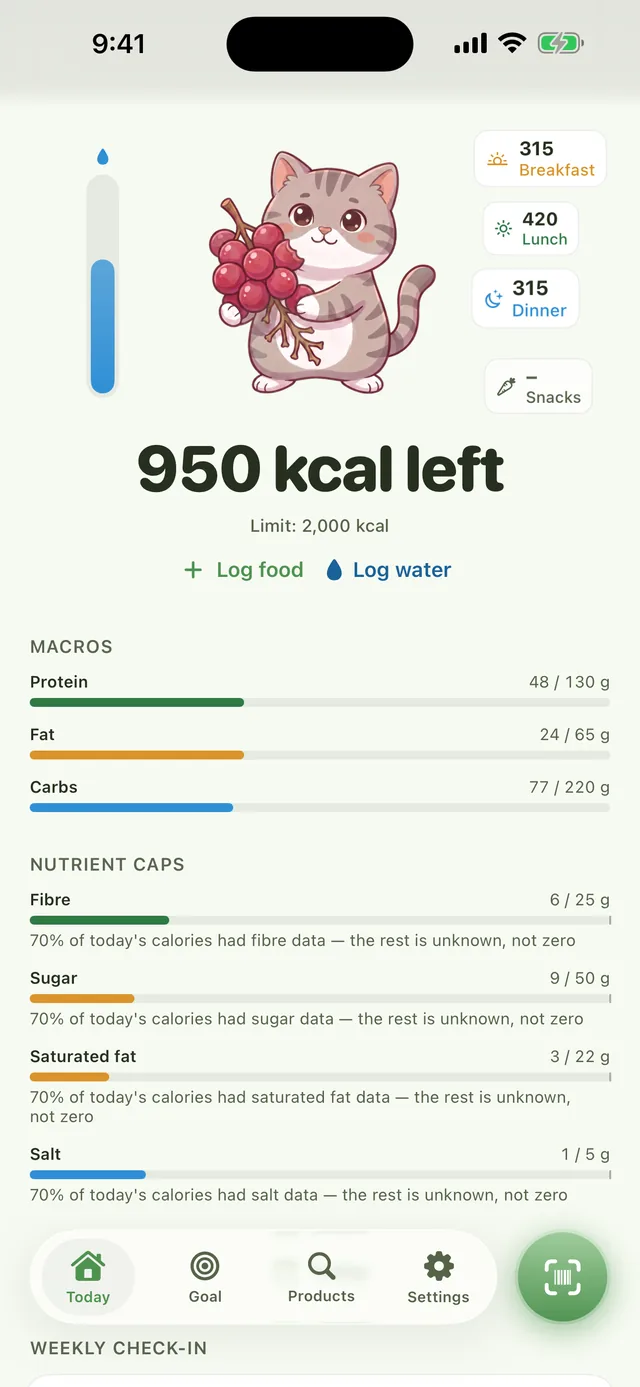
Point the camera at the barcode. Nyamly reads back the label and lays out three things: the Nutri-Score, the NOVA processing group, and the UK nutrient-profile score.
This candy bar publishes every input the UK model needs — sugar, saturated fat and sodium all at the worst cut-off, no fibre or fruit content to offset them. So the score reads 0, rated Bad: an exact result, not an estimate.

Nutri-Score E. Ultra-processed. Every input is on the label, so this is an exact score, not a floor.
“No score” is an answer.
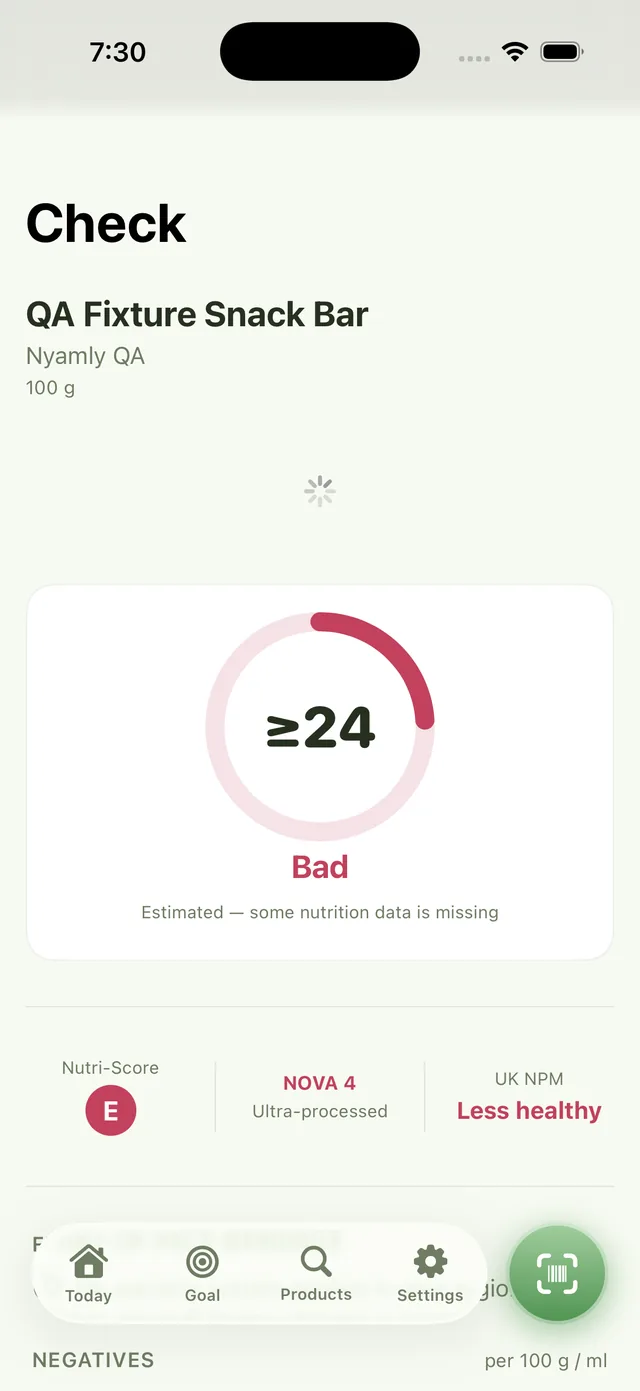
This trail mix bar has no published Nutri-Score and no saturated fat figure — and saturated fat is one of the UK model's hard requirements. Nyamly cannot score it, so it says No score and Not enough data. NOVA 4 (ultra-processed) still shows, since that classification doesn't need the missing figure.
A blank is not a fifty. It is a blank, and the report keeps it that way.

Nutri-Score: not published. UK score: missing saturated fat, a hard requirement. NOVA 4 stands on its own.

No barcode? Take a photo.
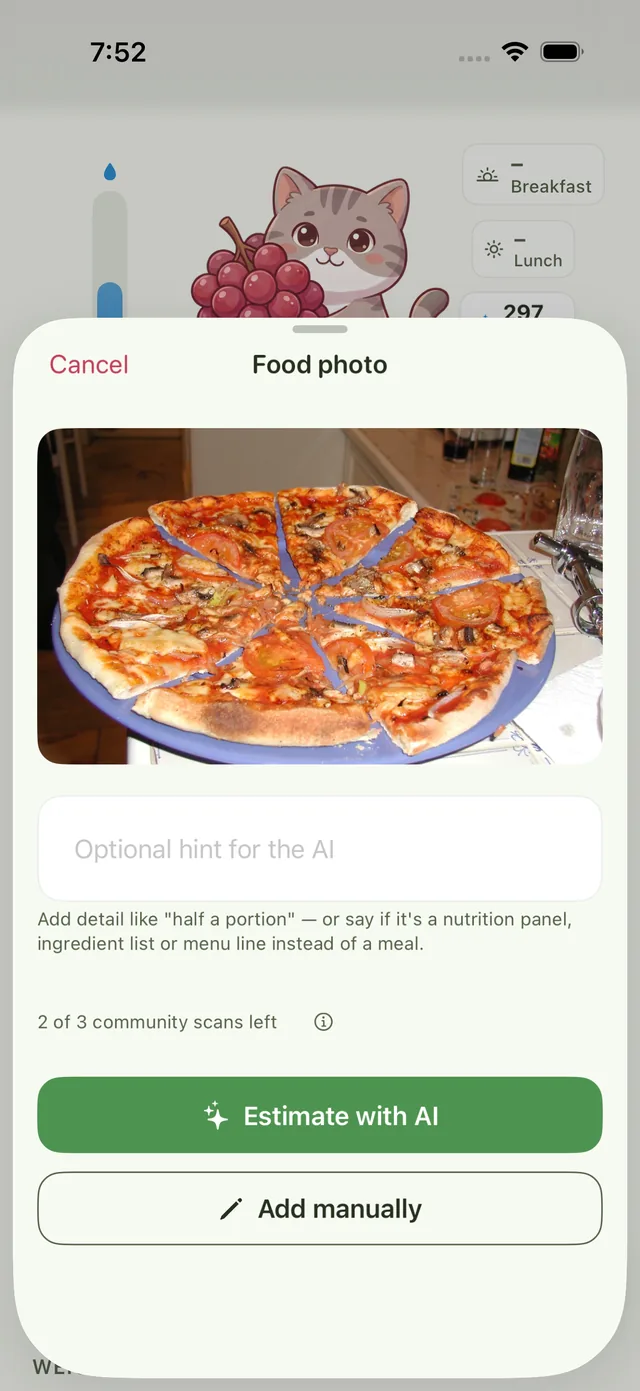
For a plate of food, snap a picture. Nyamly reads back the dishes it sees and a portion guess for each. You confirm the weights before anything is saved.
You get 4 estimates a day, drawn from a weekly pool shared by everyone using Nyamly. The sheet shows your count before you press the button. Every result is marked approximate, because a camera cannot weigh a plate.
Or just describe it.
Type “grilled chicken plate with rice, and a side salad” and you land on the same review screen: each ingredient, its portion, and how sure the model is. Ingredients matched to a database entry say Matched; the rest say Model estimate only.
A typed estimate always carries a ~ in front of its total. It counts against the same 4 a day.

Two products, side by side.
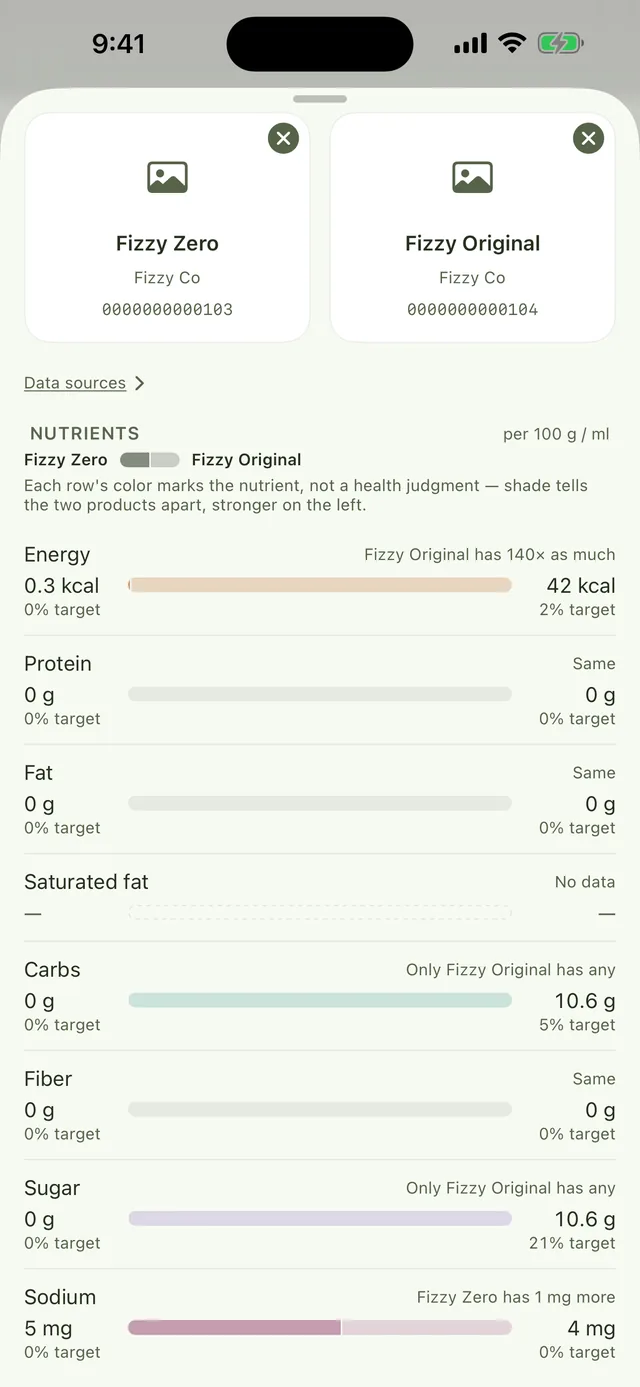
Scan two. Each row shows both figures per 100 g and a bar for how far apart they are. The colour marks the nutrient, not a verdict. Nyamly leaves the judgment to you.
A row where one product has no published figure says No data and stays blank. It never borrows the other product’s number to fill the gap.
Got a per-serving label? Convert it with the food label calculator.
A diary with a limit.
Log meals against a daily limit you choose. Protein, fat and carbs fill in as you go, and nutrient caps for fibre, sugar, saturated fat and salt sit beneath.
When one meal has no calorie data, the day’s total becomes ~1,200 kcal left with a line saying why. The caps say how much of today’s food actually had fibre data, and that the rest is unknown, not zero.

Everything you scanned, kept.
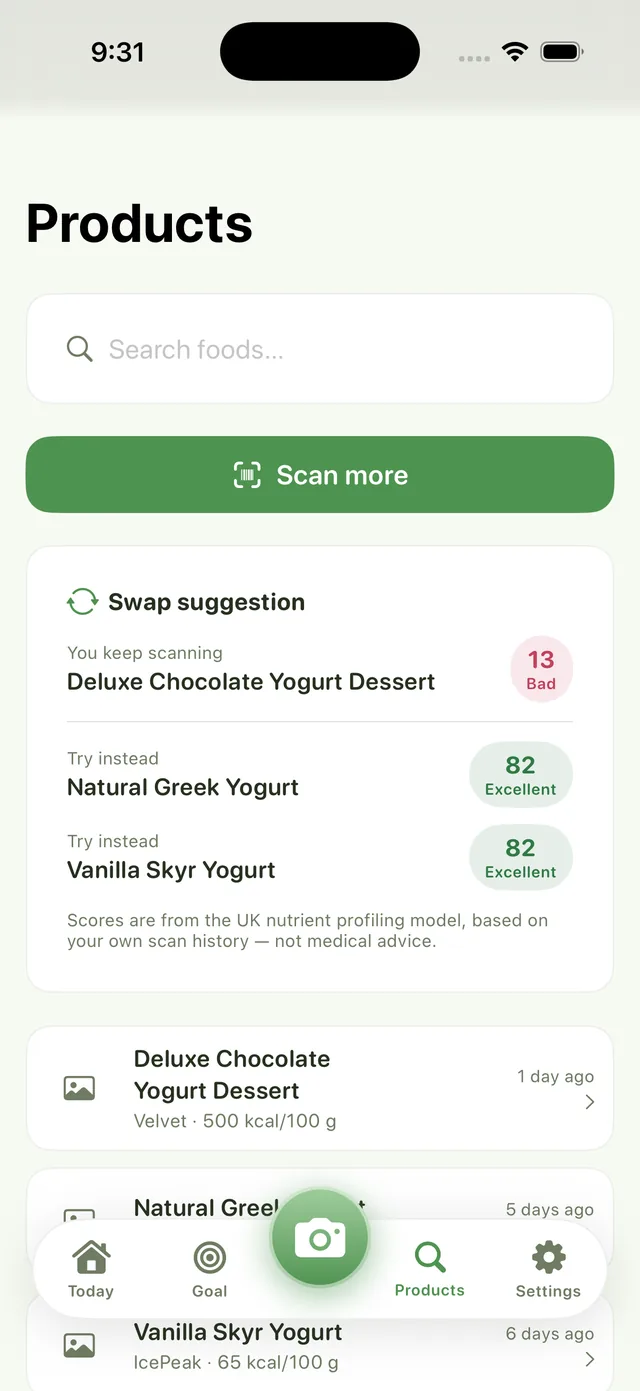
The Products tab holds every scan and search, newest first, so you can open a report again without finding the packet.
Scan the same product a few times over a few days and Nyamly suggests a better-scoring swap from things you have already scanned. Scores come from the UK nutrient-profile model, based on your own scan history. Not medical advice.
An honest label, in your pocket.